How to Set Up Thermostat Alerts for Temperature Changes
On this page 6 sections
To set up thermostat alerts, access your smart thermostat’s app, navigate to alerts or notifications, and customize your preferences for temperature changes.
Smart thermostats offer advanced features like temperature alerts to protect your home. Setting up these notifications can prevent frozen pipes, overheating, and system failures. This guide covers how to configure alerts across different thermostat brands and scenarios.
Why Thermostat Alerts Matter
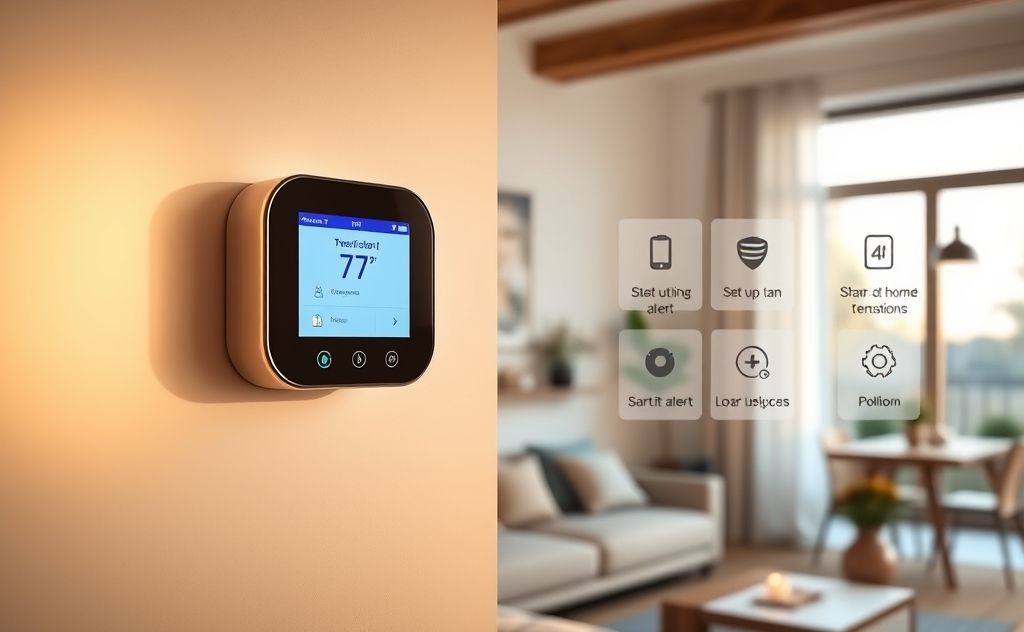
Temperature alerts serve as early warning systems for your home. They notify you when:
- Heating systems fail in winter
- Cooling stops during heat waves
- Equipment malfunctions occur
- Energy usage spikes unexpectedly
For homes with radiant heating systems, alerts are especially crucial. A failure could lead to frozen pipes in concrete floors.
Setting Up Nest Thermostat Alerts
Safety Temperature Feature
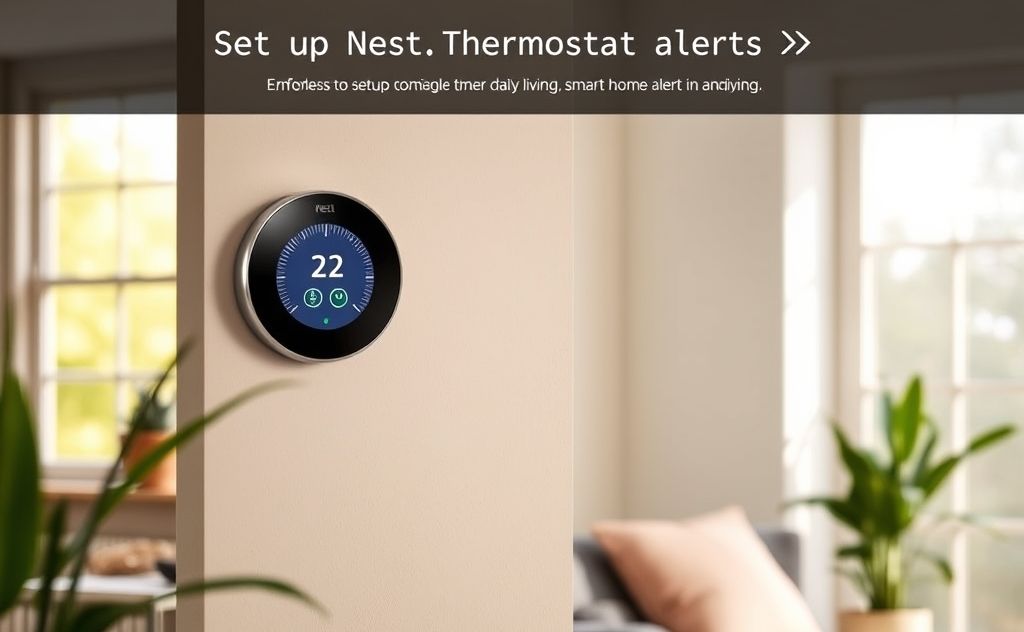
Google Nest thermostats offer Safety Temperatures as their primary alert system:
- Open the Nest app
- Select your thermostat
- Tap Settings > Safety Temperatures
- Set minimum (40-50°F) and maximum (85-95°F) thresholds
When temperatures exceed these limits, you’ll receive push notifications. However, this feature has limitations:
- Maximum low threshold is 45°F (some users need warmer alerts)
- Only activates when system is off, not during failures
Alternative Solutions for Nest
For more advanced monitoring:
- Use third-party temperature sensors with IFTTT integration
- Set up a separate smart home monitoring system
- Consider professional monitoring services
Configuring Alerts on Other Thermostat Brands
Honeywell Smart Thermostats
Honeywell offers more flexible alert options:
- Access the Total Connect Comfort app
- Navigate to Alerts & Notifications
- Set temperature thresholds for both high and low limits
- Choose notification methods (email, text, push)
Ecobee Thermostats
Ecobee provides detailed alert customization:
| Alert Type | Configuration |
|---|---|
| Temperature | Set specific degree thresholds |
| Humidity | Configure high/low moisture alerts |
| System Issues | Get notified about equipment problems |
 Winter Heating Bill CutterSee what every heater in your home really costs, heat the rooms you use, and cut the waste in 30 days.Cost-per-hour tables for every heaterThermostat schedule and draft-proofing planRunning-cost and bill calculator (Excel)
Advanced Alert Solutions
Network Monitoring for Server Rooms
For critical infrastructure like data centers:
- Use SolarWinds or similar network monitoring tools
- Configure hardware sensor thresholds
- Set up email/SMS alerts for temperature spikes
As mentioned in network monitoring forums, this approach works well for enterprise equipment.
Extreme Switch Temperature Alerts
Network equipment like Extreme Switches can be monitored through:
- Built-in SNMP temperature sensors
- Custom script configurations
- Enterprise monitoring platforms
As discussed on the Extreme Networks community, thresholds can be set to alert at specific temperatures (e.g., 55°C).
Best Practices for Temperature Alerts
Threshold Settings
Set alerts at appropriate levels:
- Winter: 5-10°F above freezing point
- Summer: 5-10°F below dangerous heat levels
- Server rooms: Manufacturer-recommended ranges
Notification Methods
Use multiple channels for critical alerts:
- Push notifications (immediate)
- Text messages (reliable)
- Email (for documentation)
Testing Your Alerts
Regularly verify your alert system works:
- Temporarily adjust thresholds to trigger test alerts
- Check all notification methods
- Document response procedures
Troubleshooting Alert Issues
Common problems and solutions:
- No notifications: Check app permissions and phone settings
- Delayed alerts: Verify internet connection to thermostat
- False alarms: Adjust thresholds or sensor placement
For complex HVAC systems, consider consulting an HVAC professional to ensure proper configuration.
Related pick: Check price on Amazon