How to Manually Override a Thermostat for Immediate Control
On this page 6 sections
To manually override a thermostat, adjust the temperature setting on the thermostat itself, typically by turning a dial or pressing buttons, to your desired temperature, which will temporarily bypass any programmed schedule or settings.
Need to take control of your thermostat settings? Whether your smart thermostat isn’t responding or you simply want temporary temperature adjustments, manual override gives you direct control. This guide covers all methods for different thermostat types.
Why Manually Override Your Thermostat?
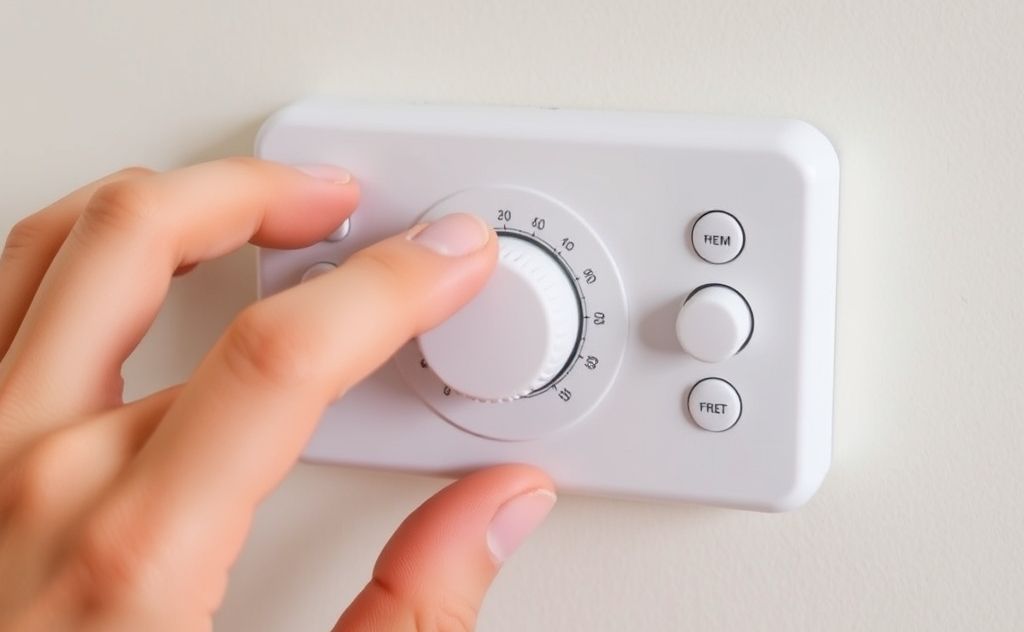
Manual override helps when:
- Smart features malfunction
- You need immediate temperature changes
- Power outages occur
- Wi-Fi connectivity fails
Methods for Different Thermostat Types
Smart Thermostats (Nest, Ecobee, Wyze)
Physical Override
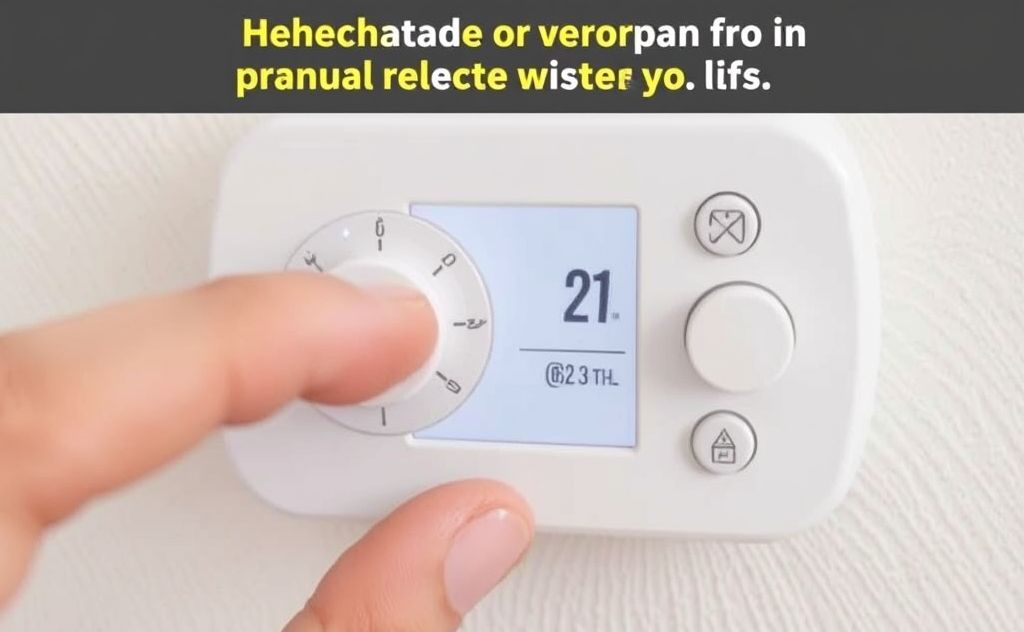
Most smart thermostats have physical buttons or dials:
- Locate the control wheel or buttons
- Press to select heat/cool mode
- Turn dial to desired temperature
- Press again to confirm
Note: Some models like Wyze thermostats may require switching from Auto to Heat/Cool mode first.
App Override
Use your manufacturer’s app to:
- Set temporary holds
- Disable schedules
- Adjust temperature limits
Traditional Programmable Thermostats
For older models:
- Press “Hold” or “Override” button
- Adjust temperature using arrows
- Press “Run” to resume schedule
Mechanical Thermostats
The simplest override:
- Turn dial to desired temperature
- No programming to override
Troubleshooting Override Issues
| Problem | Solution |
|---|---|
| Can’t increase temperature | Check for 5° gap between heat/cool settings |
| Changes don’t hold | Disable smart recovery features |
| No response | Check power source and batteries |
 Winter Heating Bill CutterSee what every heater in your home really costs, heat the rooms you use, and cut the waste in 30 days.Cost-per-hour tables for every heaterThermostat schedule and draft-proofing planRunning-cost and bill calculator (Excel)
Advanced Override Techniques
For HVAC Professionals
Complete manual control requires:
- Turn off power at breaker
- Remove thermostat cover
- Jump R to W wires for heat
- Jump R to Y for cooling
Warning: This bypasses all safety features. Only attempt if you’re qualified.
Emergency Heat Mode
Most systems have an emergency heat setting that:
- Bypasses heat pump
- Uses auxiliary heat only
- Consumes more energy
Maintaining Control After Override
To prevent automatic resets:
- Disable geofencing
- Turn off learning algorithms
- Clear existing schedules
For gas heating systems, monitor for proper ventilation during extended manual operation.
When to Call a Professional
Contact an HVAC technician if:
- System doesn’t respond to any override
- You suspect electrical issues
- Strange noises or smells occur
For more on heating system maintenance, see our guide on troubleshooting oil-fired boilers.
Related pick: Check price on Amazon
More thermostats guides on HeaterGuides.