How To Program A Heating System In 20 Minutes Or Less
On this page 6 sections
- How To Program A Heating System In 20 Minutes Or Less
- Common Mistakes That Damage Your Heating System or Cause Leaks
- When To Call A Licensed Pro Or Get Permits For Thermostat Programming
- Programming Thermostats For Zoned Or Multi-Room Heating Systems
- Troubleshooting Programming Errors And Optimizing Energy Savings
- Questions People Ask
Say you have a 1,500 sq ft home with a single-stage gas furnace and a 5-2 programmable thermostat. You want the house at 68°F when awake on weekdays, but 62°F when you’re at work and asleep. Programming your thermostat to do this automatically can save up to 10–15% on heating costs each year.
This guide walks you through the entire process: from setting the clock and schedule to troubleshooting common errors, handling zoning, and choosing the right temperature setbacks. You’ll get practical steps for popular thermostat types and clear warnings for safety.
How To Program A Heating System In 20 Minutes Or Less

Programming your heating system starts by setting the thermostat’s date and time, then entering your daily or weekly schedule with temperature set points for Wake, Leave, Return, and Sleep periods. You handle heating programs by choosing the right schedule type and adjusting temperatures, using temporary or permanent holds to manage overrides. For more details, check out how to override tankless hot water heater temperature.
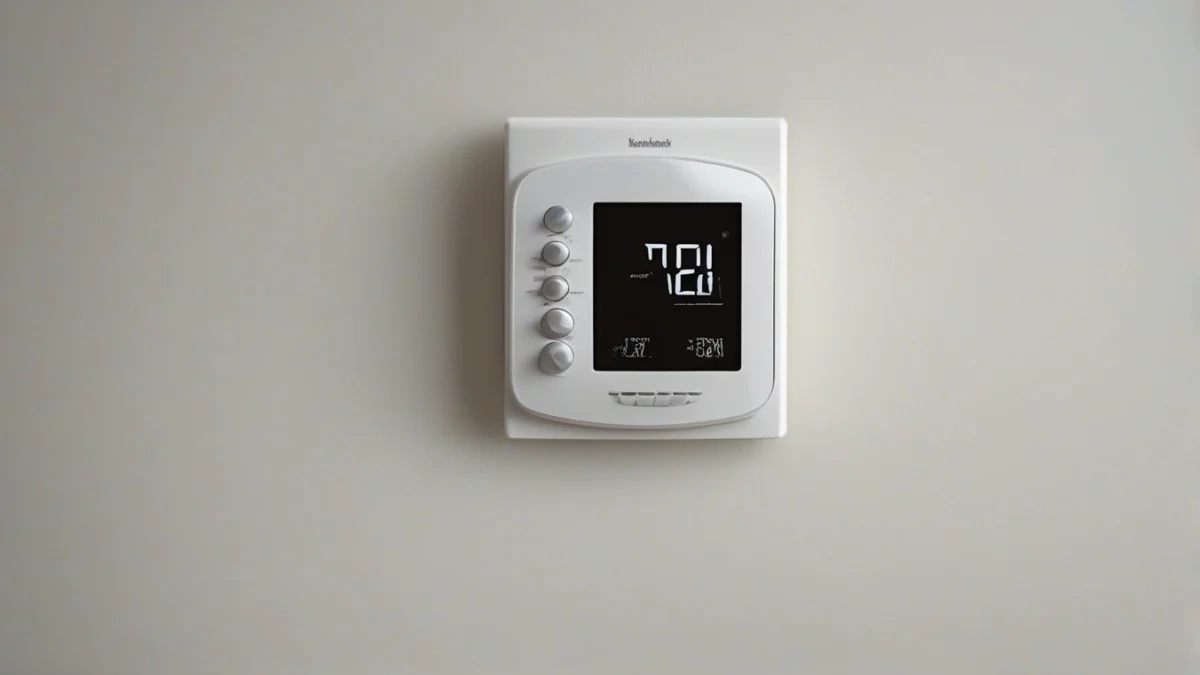
Begin by setting the thermostat’s clock and date. This ensures all programmed events trigger correctly. Next, pick a schedule type: a 5-2 day schedule programs weekdays and weekends separately, while a 7-day schedule allows unique settings for each day. Some models offer a simpler daily schedule.
Once the schedule type is selected, enter temperature set points for each period. For heating, typical recommended settings are 68°F when awake (Wake), 58-61°F when away (Leave), 68°F when returning home (Return), and 60-63°F for sleeping (Sleep). These set points control when and how warm your furnace runs, optimizing comfort and efficiency.
To handle changes outside your programmed schedule, use temporary or permanent hold modes. A temporary hold lets you override the current temperature until the next scheduled period, after which the program resumes automatically. A permanent hold stops all scheduled events until you cancel it, useful for extended absences.
Manual overrides are straightforward: adjust the temperature directly on the thermostat or app. To cancel an override, select “run schedule” or “resume program” on the thermostat. This returns control to your programmed settings without resetting the schedule.

Common Mistakes That Damage Your Heating System or Cause Leaks
Setting your wall-mounted thermostat to extremes won’t speed up heating; it wastes energy and strains the system instead. The heater runs at a steady rate regardless of the temperature you pick, so cranking it to 90°F when 70°F is enough only drives up your bills and wears parts faster.
Incorrect wiring or failing to shut off power before installing or programming can cause shorts or damage the thermostat and heating components. Always cut power at the breaker panel before working on thermostat wiring to avoid costly repairs or fire hazards.
Heat pumps and boilers have limits on temperature setbacks. Setting the thermostat too low during setbacks can cause freeze damage in boilers or excessive defrost cycles in heat pumps, reducing efficiency and risking costly repairs. Follow manufacturer guidelines—usually, setbacks of 7 to 10°F during sleeping or away times are safe.
Venting and gas safety depend on correct thermostat control. For gas furnaces, improper programming or wiring can keep the system running when it shouldn’t, risking incomplete combustion and carbon monoxide buildup. Make sure your thermostat wiring matches the heating system type and that safety sensors and vents are unobstructed.
| Mistake | Why It Harms | How To Avoid |
|---|---|---|
| Cranking thermostat temperature | Wastes energy and stresses components | Set thermostat to recommended temperature ranges |
| Incorrect wiring | Electrical shorts, damage to heating system | Turn off power, follow wiring diagrams |
| Excessive temperature setbacks on heat pumps or boilers | Freeze risk, reduced efficiency | Limit setbacks to 7-10°F |
| Ignoring venting and gas safety | Risk of carbon monoxide leaks | Ensure correct wiring and proper vent maintenance |
When To Call A Licensed Pro Or Get Permits For Thermostat Programming
You should reset or update your thermostat schedule whenever your routine changes, but no more often than every few months to avoid confusion and errors. Seasonal adjustments twice a year typically suffice.
Gas, venting, and electrical codes often require licensed professionals for any heating system modifications beyond simple thermostat programming. This includes wiring changes, replacing thermostats that affect fuel supply, or installing zoning systems.
Complex zoning or multi-stage heating systems benefit from professional installation to ensure correct wiring, programming, and integration with safety controls. Mistakes here can cause uneven heating, system damage, or safety hazards.
Local codes or your utility company may require permits for HVAC modifications, including thermostat upgrades that involve wiring or gas line work. Check with your local building department before starting.
If your thermostat programming only involves adjusting schedules and set points on a plug-and-play unit without rewiring, you can handle it yourself. For anything more complex, a licensed technician ensures code compliance and system safety.
For help programming advanced or smart thermostats with zoning, consider professional installation to optimize comfort and efficiency without risking improper setup.
Keeping permits and inspections in mind not only protects your home but also preserves your warranty and resale value.
For a practical scheduling update, mark your calendar for seasonal changes and major lifestyle shifts to keep your heating system running efficiently and safely.
 Heating System Upgrade PlannerChoose between a heat pump, a furnace, a boiler or a hybrid with your own numbers, and hire the right installer.Every system compared side by side25 questions for contractors, red flagsRunning-cost, payback and quote calculator (Excel)
Programming Thermostats For Zoned Or Multi-Room Heating Systems
Zoning divides your home into multiple areas or rooms, each with its own thermostat controlling a zone valve or damper to regulate heat independently. To program a thermostat for zones, you set separate schedules and temperatures for each zone’s thermostat, matching the usage patterns and comfort needs of that area.
Each zone’s thermostat sends signals to open or close its zone valve or damper, allowing heated air or water to flow only where needed. This targeted control reduces wasted energy and improves comfort by avoiding overheating rooms that don’t need heat at a certain time.
Smart thermostats simplify zoning by allowing centralized control through an app or web portal. You can program and adjust schedules for all zones remotely, receive alerts if a zone isn’t responding, and some models learn your habits to optimize heating automatically.
Zoned systems often have a control panel that acts as the central hub wiring thermostats to zone valves or dampers. When programming, make sure your thermostat model supports zoning and matches the control panel’s wiring configuration. Some thermostats need a common wire (C-wire) for continuous power, especially smart models.
Say your home has three zones: bedrooms, living room, and basement. You set the bedroom thermostat to lower temperatures during the day while unoccupied, the living room schedule to warm up before evening, and the basement thermostat to maintain a cooler set point to save energy. Each thermostat’s schedule runs independently but together keeps the entire house comfortable and efficient.
Programming thermostats for zoning requires attention to each zone’s unique needs, wiring correctness, and using compatible thermostats. Smart thermostats add convenience and energy savings but need proper installation and setup.
If you’re upgrading a manual or single-zone system, consult your HVAC manual or a licensed technician to verify wiring and zoning controls before programming. Incorrect wiring or incompatible thermostats can lead to zones not responding or system damage.
For ongoing comfort and efficiency, review and update each zone’s schedule seasonally or when routines change. Temporary overrides on individual thermostats let you adjust one zone without disrupting others and without losing programmed schedules.
See smart thermostat benefits for zoning and how to program a heating thermostat for basics of scheduling each thermostat.
Troubleshooting Programming Errors And Optimizing Energy Savings
If your heating system isn’t following the programmed schedule, start by checking the thermostat’s clock and mode. A wrong time or being set to manual override instead of schedule mode are the top culprits.
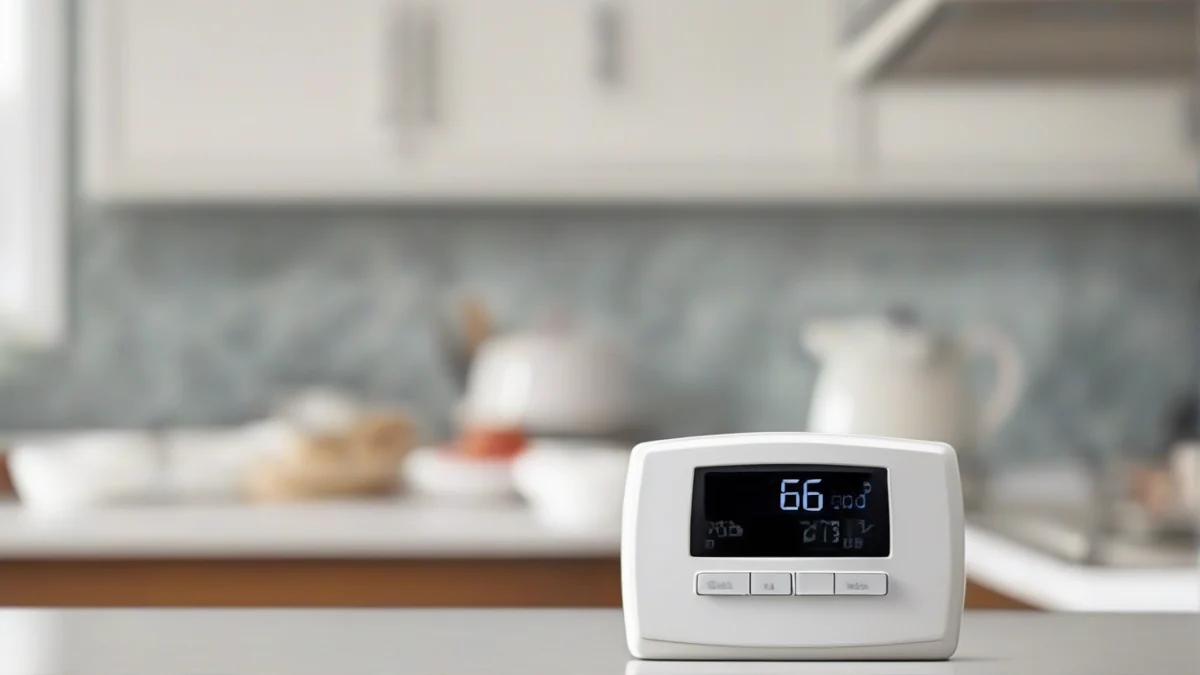
Temporary hold lets you pause the programmed schedule and set a different temperature for a short time. It’s ideal for brief absences because the thermostat automatically resumes the normal schedule afterward. Permanent hold, in contrast, overrides the schedule indefinitely until you cancel it, which can waste energy if forgotten.
| Cause | Effect |
|---|---|
| Incorrect clock or date | Programming is out of sync with actual time |
| Thermostat set to manual or permanent hold | Scheduled changes ignored |
| Battery low or power interruption | Settings reset or lost |
| Zoning system miscommunication | Zone doesn’t receive correct commands |
Smart thermostats can save more energy than basic programmable models by learning your habits, adjusting to local weather, and letting you control settings remotely. Typical savings can reach 10% annually by lowering temperatures 7 to 10°F during sleep or away periods, but smart models refine this automatically, avoiding wasted heat.
Setting your schedule seasonally matters. For winter, the Department of Energy recommends 68°F when you’re awake and home, then a 7-10°F setback when you’re away or asleep. Adjust these for summer cooling if your system provides it. Vacation mode or extended away settings should lower the temperature similarly but remember to disable hold modes before returning to avoid heating an empty home.
Regular updates prevent your thermostat from running outdated schedules. Change them with your routine or season shifts. If your schedule varies weekly, a 7-day programmable thermostat lets you tailor each day precisely.