

One concrete number changes the whole job: a 1,500 W heater left on for 8 hours uses 12 kWh, so at 17 cents a kWh that’s about $2.04 a night. Remote control is only useful if you know what equipment is being controlled, what it costs to run and whether the wiring can handle it.
A phone app can change the setpoint, but it can’t fix a bad thermostat location, a weak Wi-Fi signal or a furnace that needs service. The safe move is to start with the control point, then add sensors or app-controlled loads where they actually help.
Smart Room Temperature Control In 30 To 90 Minutes
Smart room temperature control means using a thermostat or controller that connects to an app over Wi-Fi, letting you adjust your home’s temperature from anywhere. This remote home temperature control app can change the setpoint directly or automate schedules and geofencing to adapt heating and cooling without manual input.
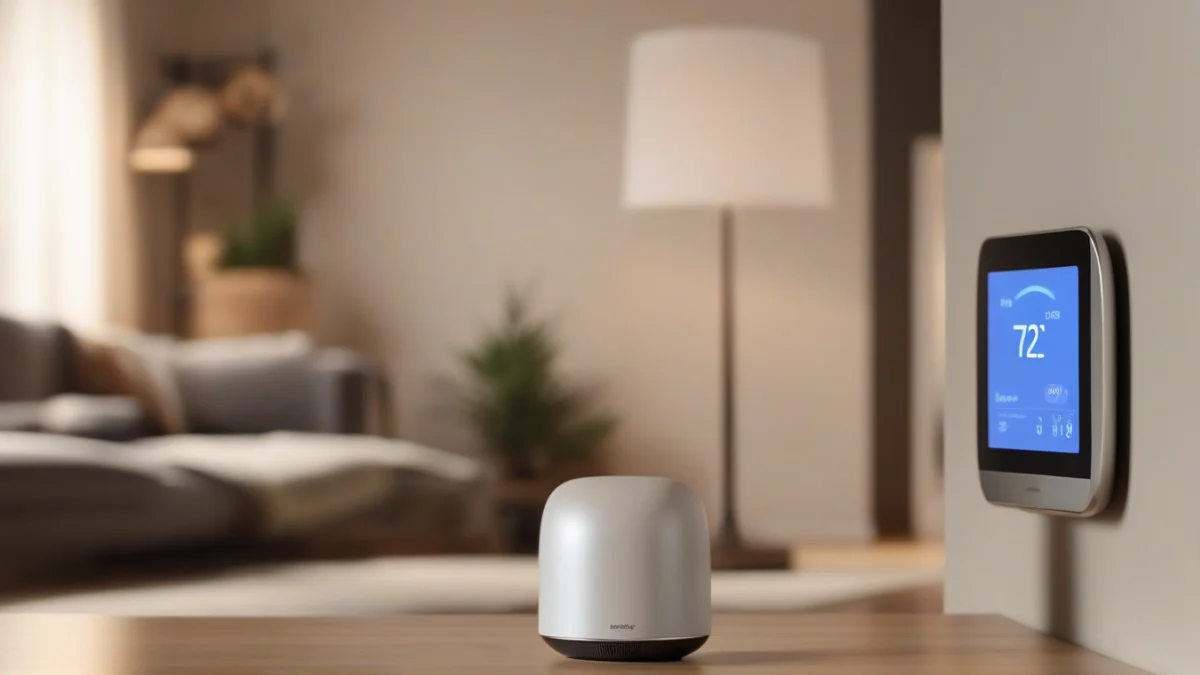
What you’re doing when you use a computer or smartphone to control home temperature is called smart temperature control. It’s more than just flipping a switch remotely; it’s programming your system to work smarter based on your habits, location, or time of day.
Start by checking if your HVAC system is compatible with the smart thermostat you want—most central systems require a C-wire for power. Then install the thermostat following the manufacturer’s guide, connect it to your home Wi-Fi, link the app, test heating and cooling cycles, and finally set your schedules or enable geofencing.


How A Smart Thermostat Controls The HVAC System
A smart thermostat controls temperature by opening and closing electrical signals that tell your HVAC system when to heat, cool, run the fan, or engage auxiliary heat. It acts like a relay between your home’s temperature sensors and the heating or cooling equipment, maintaining the setpoint you choose in the app or on the device.
Most home HVAC systems run on low-voltage wiring, typically 24 volts, and the thermostat sends signals by connecting or disconnecting these low-voltage “calls” for heat, cool, or fan. The thermostat has terminals labeled W (heat), Y (cool), G (fan), and sometimes AUX or E for emergency or auxiliary heat. When the thermostat detects the temperature has dropped below your setting, it closes the W circuit, signaling the furnace to start heating. For cooling, it closes Y to start the air conditioner compressor and G for the blower fan.
Smart thermostats often require a C-wire, or common wire, which provides continuous power from the HVAC system to the thermostat. Without a C-wire, low-voltage thermostats may use batteries or power stealing, but these methods can cause intermittent disconnections or short battery life. The C-wire stabilizes power delivery for the Wi-Fi radio and touchscreen, enabling reliable app control and continuous temperature monitoring.
App control lets you adjust temperature settings remotely, schedule heating or cooling, and monitor energy use. However, it won’t fix fundamental HVAC problems. Oversized equipment that heats or cools too quickly causes temperature swings regardless of thermostat precision. Poor duct layout or blocked airflow prevents even temperature distribution. Dirty air filters reduce system efficiency and can cause premature cycling. And thermostat placement matters—putting it near drafts, direct sunlight, or heat sources gives false readings that confuse the system.
| Device | Primary Function | Typical Use Case |
|---|---|---|
| Smart Thermostat | Sends heat/cool calls; controls HVAC | Main temperature control point for whole home or zone |
| Room Sensor | Measures local temperature; communicates with thermostat | Balances temperature room-by-room in multi-sensor systems |
| Smart Plug | Controls power to electric devices like space heaters | Adds remote control for supplemental heating or fans |
How To Add Sensors, Schedules And App Control
A remote home temperature control app lets you adjust your smart room temperature control system from anywhere with internet access. It pairs with sensors that measure temperature in specific rooms, schedules that automate heating or cooling based on your routine, and override controls that let you step in manually when needed.

Room temperature control improves when you add wireless sensors in bedrooms, nurseries, basements or rooms with poor airflow. These sensors report precise temperature data, allowing the thermostat to react more accurately than relying on a single wall unit. That way, you avoid overheating or overcooling just because the thermostat sits in a hallway or a sunny spot.
| Device | Job | Power Source | Best Location |
|---|---|---|---|
| Smart Thermostat | Controls central HVAC, sets main temperature | Hardwired | Main living area or central hallway |
| Room Sensor | Reports localized temperature to thermostat | Battery | Rooms needing precise monitoring |
| Smart Plug (Product 1) | Controls plug-in heaters, fans, humidifiers on schedule | Plug-in outlet | Near specific appliances |
Schedules are the heart of automatic temperature adjustment control systems. Set one schedule for occupied hours when you want comfort; another for sleep hours with a cooler or warmer setting; and a third for away times to conserve energy.
Geofencing uses your phone’s location to switch between home and away modes automatically. Manual override lets you temporarily change temperature settings via the app or thermostat without altering your saved schedules. Use override when unusual events occur — like guests or a sudden weather change.
Mistakes That Cause Damage, Leaks Or High Bills
Automatic temperature control differs from manual control by using sensors and schedules to adjust heating and cooling without constant user input. Without it, your system runs based on fixed settings, which can waste energy or cause discomfort.
Windows influence home temperature by letting in sunlight and air. South-facing windows add warmth in winter but can cause overheating in summer. However, temperature control can’t replace managing window insulation or sealing drafts.
Humidity affects how warm or cool a room feels. Lower humidity can make you feel cooler, but temperature control alone won’t fix high humidity or dryness — a dedicated dehumidifier or humidifier is necessary.
Common mistakes include placing the thermostat in direct sun, near supply vents, or over a cold exterior wall. These spots give false temperature readings that make your system run too long or not enough — thermostats are very sure of themselves for devices that sit on a wall.
Too much setback in your schedules can leave rooms uncomfortably cold. When heating kicks back on, the long recovery cycle wastes energy and may feel drafty. Setbacks should be moderate and matched to your home’s insulation and heating power.
Avoid using smart plugs like Product 1 to switch central HVAC equipment on and off. Central systems require direct wiring and proper controls to avoid damage or safety hazards.
When You Need A Permit Or A Licensed Pro
Temperature control in homes often involves simple swaps like battery-powered sensors or plug-in smart plugs, which you can usually handle yourself. But changing low-voltage thermostat wiring, furnace controls, or any hardwired HVAC parts often means calling a licensed pro.
Gas equipment, venting, 240 V circuits, and any modification to your heat source must be done by a licensed electrician, plumber, or HVAC contractor whenever local rules require it. These systems carry real risks if handled incorrectly.
Permits may be required for installing new electrical circuits, major thermostat rewiring, ductwork changes, or replacing heating and cooling equipment. You should check your local building codes before starting any such work.
| Task | DIY Allowed? | Permit Needed? |
|---|---|---|
| Swap battery-powered sensor | Yes | No |
| Plug-in smart plug for heater | Yes | No |
| Replace thermostat with existing wiring | Maybe, if wiring is simple | Usually no |
| Add or change thermostat low-voltage wiring | No | Often yes |
| Modify furnace controls or wiring | No | Yes |
| Install or change gas heat equipment or venting | No | Yes |
| Install new 240 V circuits or line-voltage heaters | No | Yes |
Balancing temperature control in two-story homes isn’t just a thermostat or app issue. Proper zoning or equipment sizing often needs a professional assessment to avoid uneven heating or cooling.
Before You Buy, Mount Or Call A Technician
After this checklist, ask yourself: Can you handle the installation safely and does your system meet the requirements? If yes, buy and install. If not, call a licensed HVAC technician.
More Questions, Answered
How do I control AC temperature on a 2 story home?
What is using a computer to control home temperature called?
How do windows control home temperature?
What is the difference between automatic temperature control and manual control?

I am a mechanical engineer and love doing research on different home and outdoor heating options. When I am not working, I love spending time with my family and friends. I also enjoy blogging about my findings and helping others to find the best heating options for their needs.
Related guides

Smart Home Temperature Regulation for Summer Comfort
To maintain comfort during summer, use fans, air conditioning, and proper insulation to regulate home temperature effectively. Keeping…
Top Picks That Will Transform Your Ball Python’s Habitat
75% of reptile owners prefer the best heating lamp for ball python for optimal temperature control. That’s why…
12 Proven Ways to Stabilize Home Temperature During Heat Waves
To stabilize home temperature during heat, use efficient insulation, seal leaks, employ fans, and consider programmable thermostats for…
