HVAC Blinking Red Light? Here’s What It Means
On this page 5 sections
Turning off hot water can cause an HVAC system to blink red if it affects the system’s ability to heat or circulate water properly, indicating a fault.
Seeing a blinking red light on your HVAC system can be alarming. While turning off the hot water supply doesn’t directly cause this warning, it might indicate other system issues that need attention. Let’s explore what that red flashing light really means and how to fix it.

Why Your HVAC System Blinks Red
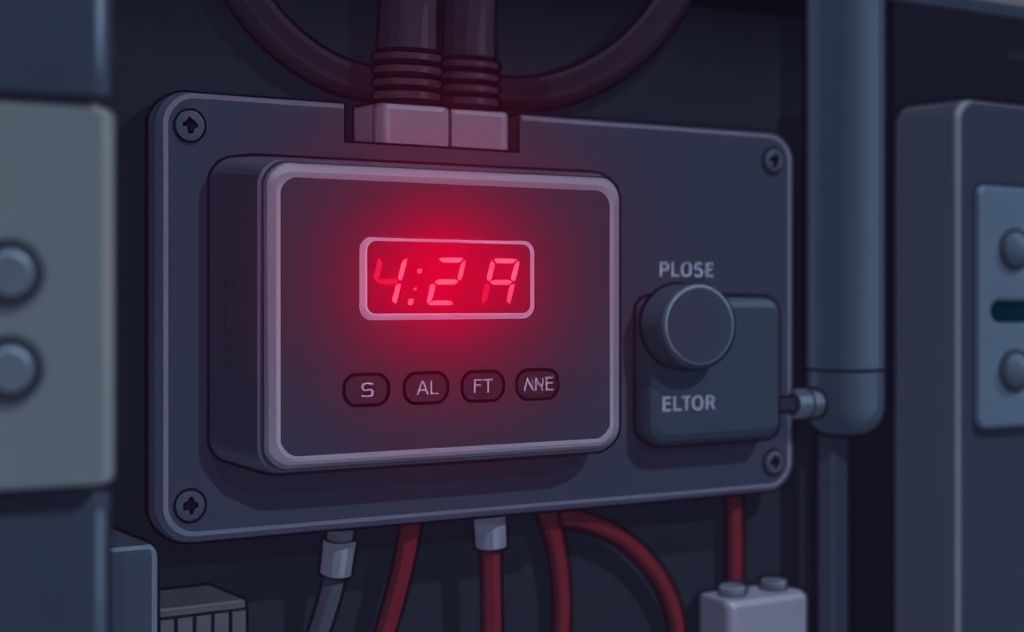
A red blinking light typically signals an error or malfunction in your HVAC system. Different manufacturers use various light patterns to indicate specific problems. Some common causes include:
- Power supply issues
- Thermostat communication errors
- Dirty air filters restricting airflow
- Low refrigerant levels
- Ignition or flame sensor problems
Hot Water Connection to HVAC Issues
While turning off hot water doesn’t directly make your HVAC blink red, some systems integrate water heating. If you have a boiler system with a red light flashing, it might indicate water pressure or temperature problems.
How to Troubleshoot the Red Blinking Light
Step 1: Check Your Manual
Every HVAC system has unique error codes. Locate your manual or find it online to decode the blinking pattern. The manual will tell you exactly what the light sequence means.
Step 2: Basic Checks
Before calling a technician:
- Verify the thermostat has power
- Check if the circuit breaker tripped
- Replace batteries in wireless thermostats
- Inspect and replace dirty air filters
Step 3: Reset Your System
Many HVAC systems can be reset by:
- Turning off power at the thermostat
- Switching off the circuit breaker for 30 seconds
- Restoring power and waiting 5 minutes
- Checking if the red light persists
When to Call a Professional
If basic troubleshooting doesn’t resolve the issue, contact an HVAC technician. Persistent red blinking lights often indicate serious problems like:
- Faulty control board
- Refrigerant leaks
- Heat exchanger issues
- Failed sensors
For complex systems like commercial rooftop HVAC units, professional service is especially important.
 Heating System Upgrade PlannerChoose between a heat pump, a furnace, a boiler or a hybrid with your own numbers, and hire the right installer.Every system compared side by side25 questions for contractors, red flagsRunning-cost, payback and quote calculator (Excel)
Preventing Future Red Light Warnings
Regular maintenance can prevent many HVAC issues:
| Maintenance Task | Frequency |
|---|---|
| Filter replacement | Every 1-3 months |
| Professional inspection | Annually |
| Duct cleaning | Every 3-5 years |
Consider investing in ENERGY STAR certified equipment for more reliable performance.
Understanding Your Specific System
HVAC systems vary widely. What applies to one model may not apply to another. Always refer to your specific unit’s documentation. If you’re unsure about any warning lights or system behaviors, it’s best to consult with a qualified HVAC professional who can assess your particular setup.
Related pick: Check price on Amazon