How to Set Up a Schedule on Your Smart Thermostat
On this page 5 sections
Smart thermostats are more than just fancy remotes for your HVAC system. They’re the brains of your home’s climate control, and their scheduling features are where the real magic happens. Setting up schedules on smart thermostats is the key to unlocking comfort, convenience, and significant energy savings. Its about making your home work for you, not the other way around.
Think of it as teaching your thermostat your daily rhythm. When you wake up, leave for work, come home, and go to sleep. A well-programmed schedule handles the temperature changes automatically. No more waking up to a chilly house or cooling an empty home all afternoon. For a seamless entry into this world, the Check price on Amazon is a fantastic, user-friendly option that simplifies this entire process with clear app guidance.
Understanding Smart Thermostat Scheduling Basics
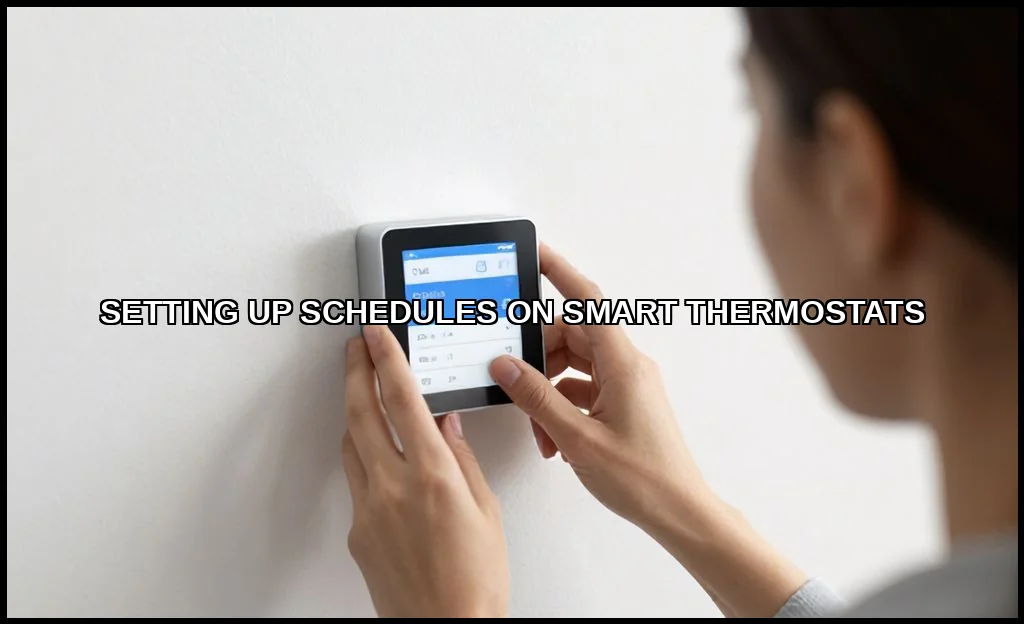
At its core, thermostat programming is about creating a temperature schedule. This is a series of timed events that tell your system when to switch between heating and cooling modes and what target temperature to reach. Unlike old programmable models, smart thermostats learn from your adjustments and can be controlled from anywhere via an app.
The fundamental concept is the setback period. These are times when you allow the temperature to drift to an energy-saving setpointwarmer in summer, cooler in winterwhen no one is home or everyone is asleep. Mastering these periods is the foundation of energy efficiency settings.
Core Components of a Schedule
Every schedule is built from a few key blocks:
- Periods/Times: Morning, Day, Evening, Night. You define what these mean for your household.
- Setpoints: The specific temperature for heating and cooling during each period.
- Hold Actions: What happens when you manually override the scheduledoes it resume at the next period or hold indefinitely?
Step-by-Step Guide to Creating Your First Schedule
Let’s walk through setting up a basic weekly schedule. The exact steps vary by brand, but the logic is universal. You’ll typically use the companion mobile app, which is far easier than fiddling with the wall unit.
1. Gather Your Routine Intel
Before you touch the app, note your family’s typical weekly schedule. When does the first person wake up? When is the house empty? What time do people usually return? When is bedtime? Jot down these times for weekdays and weekends.
2. Access the Schedule Programming Menu
Open your thermostat’s app and find the schedule or programming section. It might be under “Climate,” “Schedule,” or “Comfort Settings.” This is where you’ll create heating schedule and cooling plans.
3. Set Your Periods and Temperatures
Most apps start with a default 4-period day (Wake, Leave, Return, Sleep). Adjust the clock times to match your life. Then, set your desired temperatures for each. A common money-saving tactic is a 7-10 degree Fahrenheit setback for 8 hours a day. The Department of Energy has an excellent official source on these savings.
For example, a winter day schedule might look like:
| Period | Time | Heat To |
|---|---|---|
| Wake | 6:30 AM | 68F |
| Leave | 8:00 AM | 62F |
| Return | 5:30 PM | 68F |
| Sleep | 10:00 PM | 65F |
4. Differentiate Weekdays & Weekends
This is crucial. Your Saturday schedule likely differs from your Wednesday. Use the weekly programming feature to create separate schedules. This is the answer to how to set a 7-day schedule on nest thermostat and othersyou simply customize each day or copy patterns.
Advanced Scheduling Features and Optimization Tips
Once you’ve mastered the basics, these advanced features can fine-tune your system for peak performance and savings. This is where smart thermostats truly shine.
Leveraging Smart Sensors and Geofencing
Geofencing uses your smartphone’s location to trigger temperature changes. It creates a virtual “fence” around your home. When the last person leaves, it can activate an “Away” setting. When the first person returns, it can start warming or cooling the house. Setting up geofencing with thermostat schedule combines automation with your manual schedule for flawless control.
Using Adaptive Recovery (or “Smart Recovery”)
This brilliant feature addresses a common annoyance. If your schedule says to be at 68F by 6:30 AM, the thermostat won’t wait until 6:29 to start. It learns how long your system takes to heat or cool your space and begins the process early so the temperature is perfect right on time. Its a game-changer for comfort.
Optimizing for Energy Savings
Chasing the best schedule for ecobee to save money? The principles apply to all brands. Focus on maximizing the length and depth of your setback periods. A longer, deeper setback saves more. Also, consider your local utility’s time-of-use ratesyou might program higher setpoints during peak afternoon pricing in summer. Remember, the pros of any heating system are best realized with efficient control.
Don’t Forget Vacation Mode Setup
This is a specialized, extended setback. Vacation mode setup holds an energy-efficient temperature for days or weeks, pausing your normal schedule. It often includes freeze protection for winter getaways. Always use this instead of just turning the thermostat off.
 Winter Heating Bill CutterSee what every heater in your home really costs, heat the rooms you use, and cut the waste in 30 days.Cost-per-hour tables for every heaterThermostat schedule and draft-proofing planRunning-cost and bill calculator (Excel)
Troubleshooting Common Schedule Problems
Sometimes schedules don’t behave as expected. Here are quick fixes for frequent issues.
Schedule Not Holding / Constant Overrides
If your schedule keeps getting ignored, check your “Hold” settings. If you manually change the temperature, does it hold “until next scheduled activity” or “permanently”? The former is usually best. It allows for a temporary changesolving how to override a smart thermostat schedule temporarilybefore automatically resuming.
Temperature Swings Are Too Extreme
If the shift from a setback to a comfort zone feels too drastic, your setback might be too aggressive. Try narrowing the gap by 2-3 degrees. Also, ensure your equipment is running properly; a schedule can’t fix a faulty system. For reliable hot water as part of your home’s ecosystem, it’s worth knowing what makes a good water heater.
The Thermostat Seems to “Learn” Incorrectly
Most smart thermostats have an option to disable learning features. If the schedule keeps changing on its own in ways you don’t like, turn off auto-schedule or learning. Revert to full manual automated temperature control where you are the sole decision-maker.
Integrating Schedules with Other Smart Home Devices
Your thermostat shouldn’t live in a vacuum. Its schedule can be the heartbeat for other automations, creating true smart home automation.
Voice Control Integration
“Hey Google, what’s the thermostat set to?” Voice control via Alexa or Google Assistant is perfect for quick checks or overrides. You can link your schedule to routines: “Good morning” could raise the blinds and set the temperature to the “Wake” period.
Working with Smart Vents and Zone Systems

Advanced setups use smart vents to direct air flow. Your master schedule can coordinate with these vents, closing off unused rooms during setback periods to push more conditioned air to occupied spaces. This requires compatible ecosystems but maximizes efficiency.
Connecting to Weather Forecasts
Some thermostats integrate local weather. On a surprisingly mild fall day, it might delay turning on the heat, relying on passive solar gain. This external data refines your internal heating and cooling timers for better performance.
Setting up a smart thermostat schedule isn’t a one-time task. It’s an ongoing conversation with your home. Start with a simple, conservative schedule. Live with it for a week. Tweak the times and temperatures based on what you feel and see on your energy app. The goal is a seamless background comfort that also respects your wallet. Your home should feel right, without you ever having to think about it. That’s the real power of intelligent thermostat schedule programming.