

To troubleshoot a faulty thermostat, check the power supply, inspect wiring connections, calibrate the device, and replace batteries if necessary.
A malfunctioning thermostat can leave your home too hot or too cold. Before calling a professional, try these troubleshooting steps to diagnose and fix common thermostat issues.

Aowel
Aowel Non-Programmable Thermostat for Home & House,…
- EASY OPERATION - Aowel 1H/1C Non-Programmable Manual Thermostat. Equipped with Heat/Off/Cool modes, no complex settings required.…
- COMPATIBLE SYSTEMS - Works with 24v conventional single-stage 1H/1C systems, including forced air (gas, oil & electric), ventilati…
- NOT APPLICABLE UNITS - Not applicable for 2H/1C, 2H/2C, 3H/2C, 4H/2C multi-stage systems & heat pump systems (with aux or emergenc…
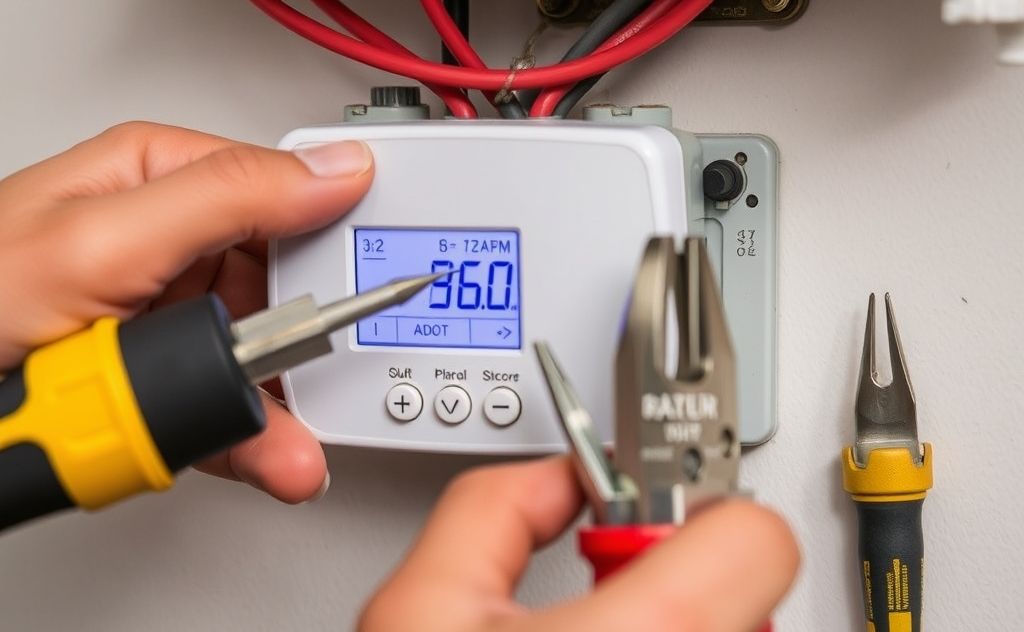
Signs Your Thermostat Is Failing
Watch for these red flags that indicate thermostat problems:
- Blank or unresponsive display
- HVAC system won’t turn on/off
- Temperature readings don’t match room conditions
- Short cycling (frequent on/off cycles)
- Programmed settings keep resetting
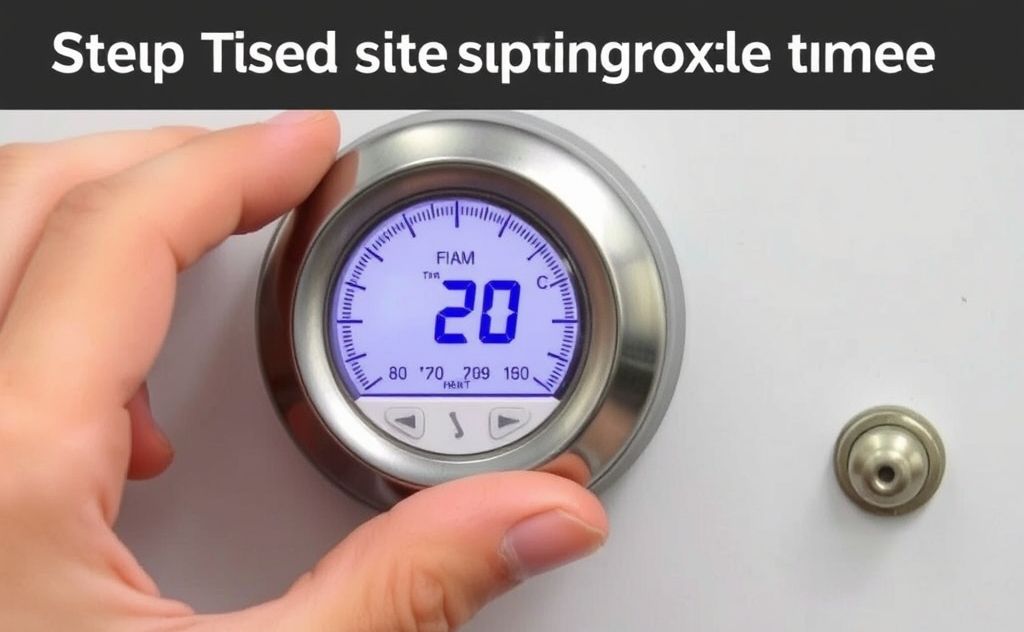
Step-by-Step Troubleshooting Guide
1. Check Basic Settings
Start with these simple checks:
- Verify thermostat is set to HEAT or COOL mode
- Ensure fan setting is on AUTO (not ON)
- Test by setting temperature 5° higher/lower than current room temp
2. Replace Batteries
For digital models:
- Remove thermostat faceplate
- Replace old batteries with fresh ones
- Reinstall faceplate
Pro tip: Change batteries annually to prevent issues. Consider upgrading to a smart thermostat for better reliability.
3. Clean Internal Components
For mechanical thermostats:
- Turn off power at breaker
- Remove cover carefully
- Use soft brush to remove dust
- Clean contacts with electrical cleaner
4. Inspect Wiring Connections
Loose wires cause many thermostat failures:
| Wire Color | Typical Function |
|---|---|
| Red | Power (24V) |
| White | Heat |
| Yellow | Cool |
| Green | Fan |
Check all wires are securely fastened to terminals. If you find damaged wires, consult an HVAC professional.
5. Test Circuit Breaker
If thermostat has no power:
- Locate HVAC breaker in electrical panel
- If tripped, turn fully OFF then ON
- Wait 30 seconds before restoring power
6. Recalibrate Thermostat
For temperature discrepancies:
- Place accurate thermometer near thermostat
- Compare readings after 1 hour
- If difference >3°F, recalibrate per manufacturer instructions
7. Reset to Factory Settings
For programmable models:
- Find reset button (may require paperclip)
- Hold for 5-10 seconds
- Reconfigure settings after reset
When to Call a Professional
Contact an HVAC technician if you experience:
- Burnt or melted wires
- Frequent circuit breaker trips
- Continual temperature mismatches
- Complex wiring issues
For serious HVAC problems, check our guide on essential HVAC tools that professionals use.
Preventive Maintenance Tips
- Clean thermostat every 6 months
- Upgrade old mercury thermostats
- Install surge protector for power fluctuations
- Consider professional calibration every 2 years
For homes with pets, ensure proper ventilation with the best HVAC air filters to reduce thermostat interference from dander.
Related pick: Check today's price on Amazon

HeaterGuides covers home heating, water heating and HVAC: how the equipment works, what it costs to run, and how to use it safely.
