Field Calibration of Temperature Sensors: Step-by-Step Guide
On this page 7 sections
To perform field calibration of temperature sensors, use a calibrated reference thermometer, immerse both sensors in a stable temperature bath, and compare readings.
Accurate temperature measurement is critical in industrial processes. Field calibration ensures your sensors maintain precision despite harsh conditions. This guide covers best practices for calibrating RTDs, thermocouples, and other common temperature sensors.
Understanding Temperature Sensor Types
Different sensors require specific calibration approaches:
Resistance Temperature Detectors (RTDs)
RTDs use platinum wire resistance changes to measure temperature. The most common is PT100 (100Ω at 0°C). They offer high accuracy (±0.1°C) but slower response times.
Thermocouples

Thermocouples generate voltage from dissimilar metal junctions. Type K (chromel-alumel) and Type J (iron-constantan) are common industrial types. They’re rugged but less accurate (±1-2°C).

Essential Calibration Equipment
Proper tools ensure reliable field calibration:
- Reference temperature source (dry block or bath)
- High-accuracy reference thermometer
- Signal measurement device (multimeter or calibrator)
- Thermal paste for better heat transfer
The Beamex MC6 calibrator combines these functions in one portable unit with 0.01°C accuracy for RTDs.
Step-by-Step Field Calibration Process
1. Preparation
Allow sensors to stabilize at ambient temperature. Check for physical damage or contamination. Record sensor identification data.
2. Reference Setup
Use a stirred ice bath (0°C) or dry block calibrator. The NIST recommends at least three calibration points spanning your operating range.
| Sensor Type | Recommended Calibration Points |
|---|---|
| RTD | 0°C, 100°C, 200°C |
| Type K Thermocouple | 0°C, 200°C, 400°C |
3. Measurement Comparison
Insert both reference probe and field sensor into the temperature source. Allow 15-30 minutes for stabilization at each point. Record readings from both devices.
4. Adjustment
For smart transmitters, use HART communicators to trim sensor values. For direct-wired sensors, document corrections in your control system.
Special Considerations for Field Work
Environmental Factors
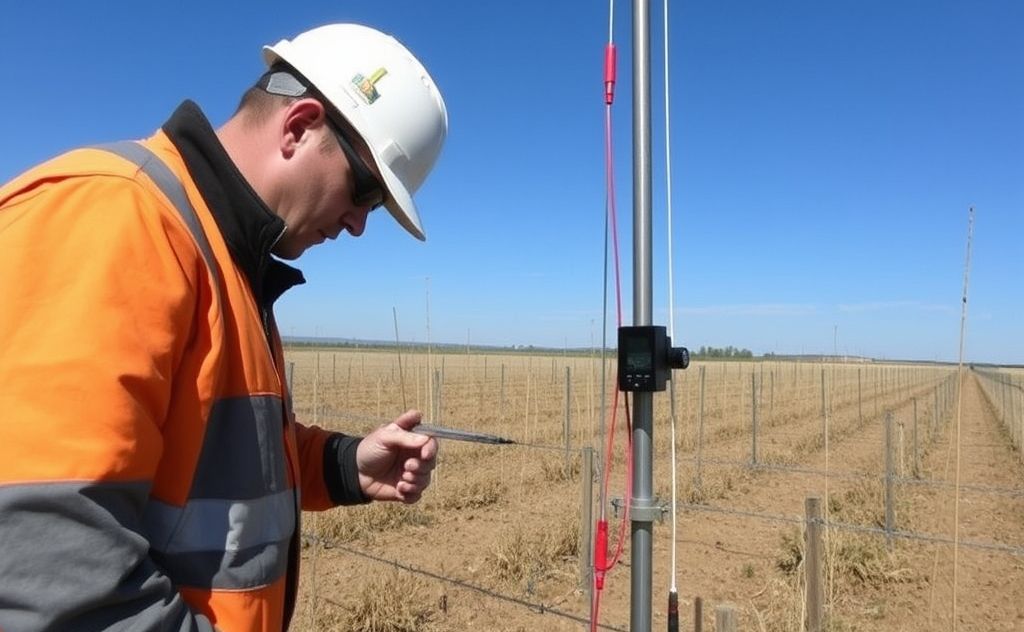
Wind, sunlight, and ambient temperature affect field calibration accuracy. Use protective enclosures and allow extra stabilization time.
Immersion Depth
Ensure minimum immersion depth (typically 10x sensor diameter) to prevent stem conduction errors.
Calibration Frequency
Follow this general guideline, adjusting for criticality:
- Safety-critical sensors: Quarterly
- Process control sensors: Annually
- Non-critical monitoring: Biannually
Increase frequency if sensors experience vibration, thermal cycling, or corrosive environments.
Troubleshooting Common Issues
Drifting Readings
Check for loose connections, moisture ingress, or sensor degradation. RTDs often drift due to mechanical stress.
Non-Linear Response
Thermocouples may develop inhomogeneities. Replace if deviation exceeds manufacturer specifications.
Documentation Requirements
Maintain records of:
- As-found and as-left data
- Reference standards used
- Environmental conditions
- Technician performing calibration
Proper documentation ensures traceability for quality audits and compliance with standards like ISO 9001.
Related pick: Check price on Amazon