

Your Honeywell thermostat may go blank due to dead batteries, power loss, or a tripped circuit breaker; check these first for a quick fix.
A blank Honeywell thermostat screen can leave you in the dark about your home’s temperature. Before calling a technician, try these proven solutions to restore power and functionality to your thermostat.

Honeywell Home
Honeywell Home THP2400WH/A Horizontal Cover Plate and…
- Covers holes, paint marks, or damage to the walls when your thermostat is replaced, or when a smaller unit is installed
- Compatible with the following Honeywell Home thermostat models: X1N, X2P, X2S, X7S and X8S
- Kit includes one cover plate, electrical box adapter and mounting screws
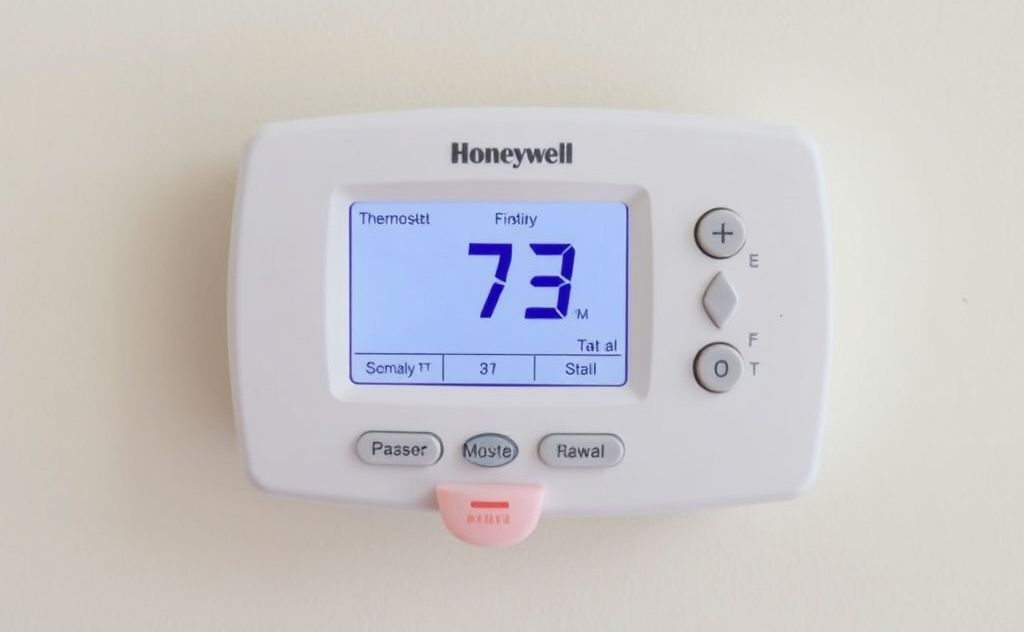
1. Replace Dead Batteries
The most common reason for a blank Honeywell thermostat is dead batteries. Even hardwired models often have battery backups.
How to check:
- Remove thermostat from wall plate
- Look for battery compartment (usually on back)
- Test batteries with a multimeter or replace them
Use high-quality alkaline batteries for longest life. Some models like the Honeywell Lyric require lithium batteries for optimal performance.
2. Check Circuit Breaker
If your thermostat is hardwired, a tripped breaker could be the culprit.
| Breaker Status | Action |
|---|---|
| Tripped (middle position) | Turn fully off, then back on |
| Frequently trips | Call electrician – may indicate wiring issue |
3. Inspect HVAC Safety Switch
Your HVAC system has safety switches that can disable power to the thermostat:
Common safety switches:
- Condensate overflow switch (near drain pan)
- High pressure cutoff switch
- Flame rollout switch
Resetting these typically requires professional assistance to avoid equipment damage.
4. Verify Power at Transformer
The 24V transformer powers your thermostat. Test for:
- 24V between R and C wires
- Proper grounding
- No blown fuses in air handler
According to ABC Electrical, transformer issues account for about 15% of thermostat failures.
5. Perform Factory Reset
If hardware checks out, try resetting your thermostat:
Reset steps:
- Press and hold Menu button for 5 seconds
- Navigate to Reset option
- Select Factory Reset
- Confirm selection
Note: This erases all custom settings and schedules.
6. Check for System Compatibility
Newer smart thermostats like the Honeywell T9 may require a C-wire for consistent power. Without one, the screen may blank intermittently.
As noted by A+ Air Conditioning, “Many homeowners don’t realize their new thermostat requires different wiring than their old one.”
When to Call a Professional
If none of these solutions work, you may need:
- Wiring repairs
- Transformer replacement
- New thermostat installation
- HVAC system service
Persistent blank screens could indicate deeper electrical issues that require expert diagnosis. Always turn off power before inspecting wiring.
Related pick: Check today's price on Amazon

I am a mechanical engineer and love doing research on different home and outdoor heating options. When I am not working, I love spending time with my family and friends. I also enjoy blogging about my findings and helping others to find the best heating options for their needs.
Related guides

How to Sync Your Thermostat With Smart Home Hubs
To sync your thermostat with smart home hubs, follow the manufacturer's instructions, connect via the hub's app, and…
How Thermostats Control Your HVAC System Efficiently
A thermostat regulates the temperature in an HVAC system by sensing indoor conditions and adjusting heating or cooling…
Can Thermostat Wires Shock You? Safety Guide
Yes, thermostat wires can give a mild shock if improperly handled, especially if the system is powered; always…
