

Integrating smart thermostats with smart home systems enhances energy efficiency, allowing for remote control and automation of heating and cooling based on user preferences.
Connecting smart thermostats to your home automation system unlocks energy savings and comfort. These devices learn your habits, adjust temperatures automatically, and work with other smart devices to create a truly intelligent living space.

ecobee
ecobee Smart Thermostat Essential - WiFi Thermostat,…
- Save up to 23% every year on heating and cooling costs, adjusts to your set schedule to save energy when you’re gone and optimize…
- Compatible with 85% of systems, check your system’s compatibility with our online ecobee Compatibility Checker on the ecobee suppo…
- Change your temperature by easily tapping the color touchscreen or using the ecobee app. Plus, free software upgrades ensure you g…
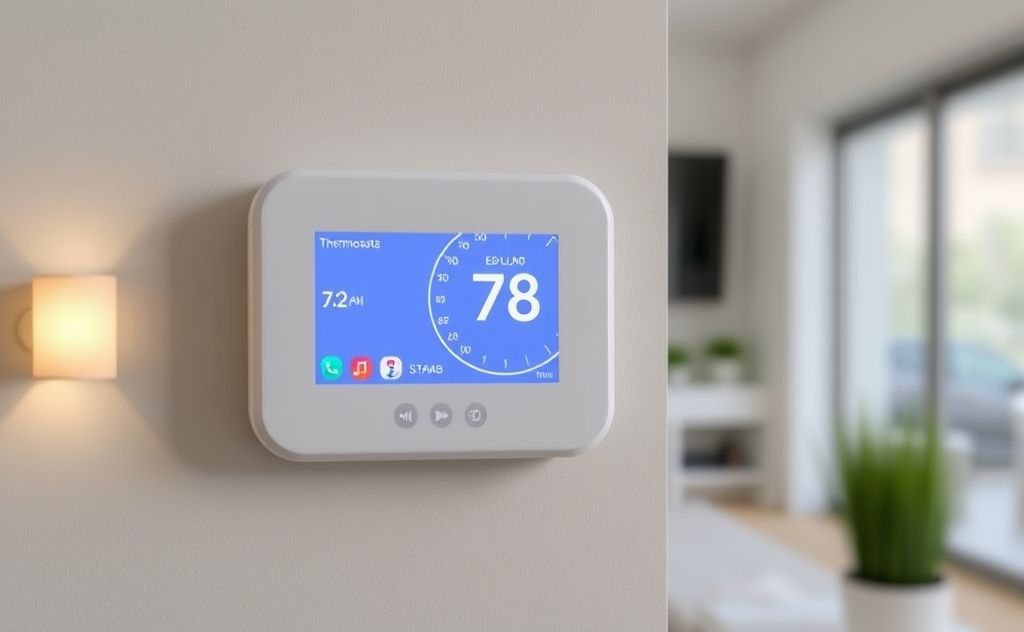
Why Integrate Smart Thermostats?
Smart thermostats offer more than remote temperature control. When connected to your home system, they become energy-saving powerhouses. Studies show integrated thermostats can cut HVAC costs by 10-15% annually.
Key Benefits
- Automatic temperature adjustments based on occupancy
- Energy usage tracking and optimization
- Voice control through assistants like Alexa
- Seamless operation with other smart devices
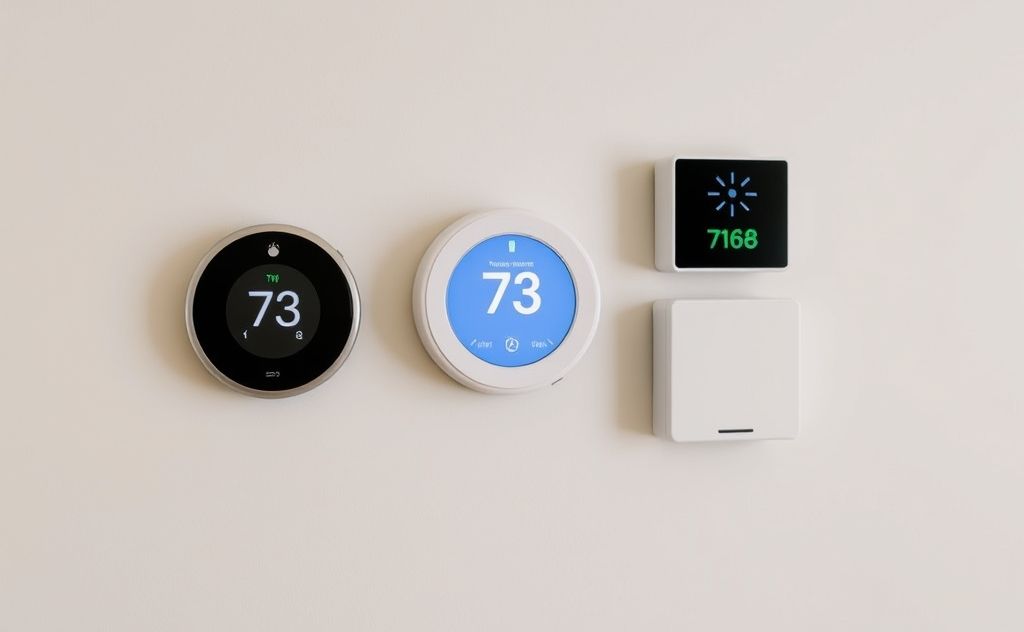
Top Integration Methods
Choose the right connection method for your home setup. Each option offers different features and compatibility levels.
Wi-Fi Direct Connection
Most modern thermostats like Nest or Ecobee connect directly to your home network. This allows app control from anywhere with internet access.
Smart Home Hubs
Central hubs like Samsung SmartThings or Hubitat provide unified control. They enable advanced automations between your thermostat and other devices.
Z-Wave/Zigbee Protocols
These wireless standards offer reliable communication with less power consumption than Wi-Fi. Many built-in heating systems now support these protocols.
Advanced Automation Scenarios
Integrated thermostats shine when working with other smart devices. These automations create a truly responsive home environment.
| Trigger | Action | Result |
|---|---|---|
| Smart lock detects you left | Thermostat enters away mode | Energy savings |
| Motion sensor detects activity | Adjusts to preferred temp | Comfort |
| Weather service predicts cold snap | Pre-heats home | Preparedness |
Choosing the Right Thermostat
Not all smart thermostats work with every system. Consider these factors before purchasing:
Compatibility Check
Verify your HVAC system type (forced air, radiant, etc.) and wiring. Some older homes may need a compatible thermostat control or professional installation.
Feature Priorities
- Learning capabilities vs. manual programming
- Geofencing for location-based control
- Air quality monitoring
- Humidity control
Troubleshooting Common Issues
Even the best systems sometimes need adjustment. Here’s how to solve frequent integration problems.
Connectivity Problems
If your thermostat keeps disconnecting:
- Check Wi-Fi signal strength at installation location
- Update firmware
- Consider a mesh network extender
Unresponsive Controls
When automations fail:
- Verify device permissions in your hub/app
- Check for service outages
- Reboot both thermostat and hub
Future of Smart Climate Control
Emerging technologies will make thermostats even smarter. Expect to see more AI-powered predictions and integration with renewable energy systems like solar heating solutions.
Related pick: Check today's price on Amazon

I am a mechanical engineer and love doing research on different home and outdoor heating options. When I am not working, I love spending time with my family and friends. I also enjoy blogging about my findings and helping others to find the best heating options for their needs.
Related guides

Smart Thermostat Programming Tips to Maximize Comfort & Savings
Optimize your smart thermostat by programming it to adjust temperatures based on your schedule, enhancing comfort and energy…
Smart Thermostats: The Ultimate Energy-Saving Solution
Smart thermostats optimize energy use by learning your schedule, adjusting temperatures automatically, and providing insights to reduce energy…

How to Adjust Your Home’s Temperature with a Smart Thermostat
Gone are the days of manually twisting a dial or walking across the house to adjust the temperature.…
