Water Heater Red Light Flashing? Here’s What It Means
On this page 4 sections
A flashing red light on a water heater typically indicates a fault or error, such as overheating or ignition failure, requiring troubleshooting or professional service.
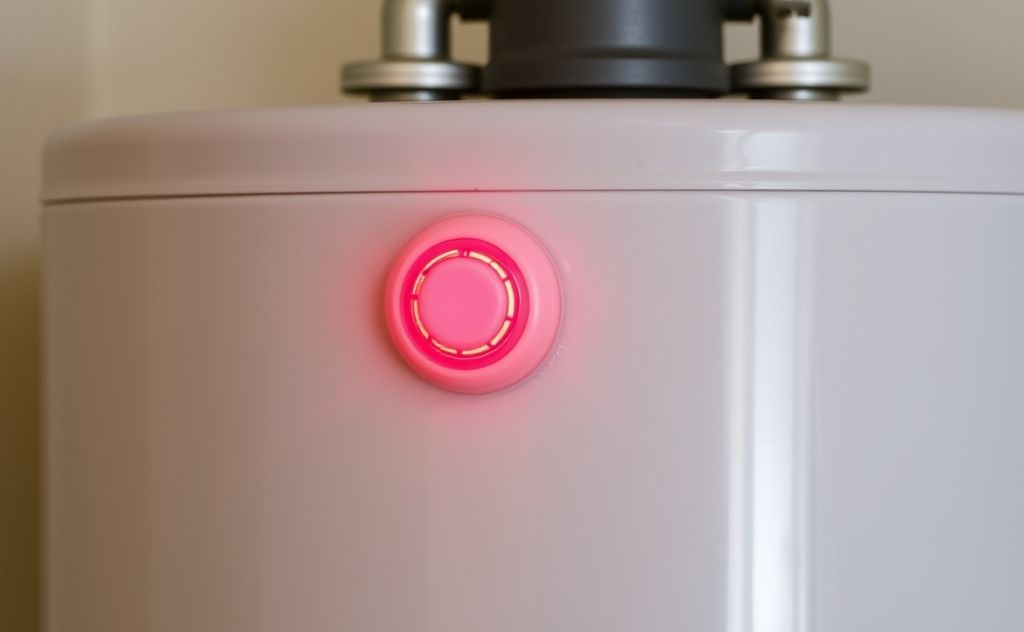
A flashing red light on your water heater is never a good sign. It indicates a problem that needs immediate attention. While the exact meaning varies by brand, most flashing red lights point to issues with temperature, pressure, or electrical components.
Common Causes of a Flashing Red Light
Water heaters use warning lights to communicate problems. Here are the most frequent reasons for a flashing red indicator:
1. High Temperature Limit Switch Tripped
The high limit switch is a safety device that shuts off power if water gets too hot. When this trips, you’ll typically see a steady or flashing red light. This often happens when:
- Thermostat fails
- Sediment buildup causes overheating
- Water pressure drops suddenly
2. Low Water Pressure
Many modern water heaters have pressure sensors. A flashing light may mean:
- Main water supply issues
- Clogged pipes or filters
- Faulty pressure relief valve
3. Electrical Problems
For electric water heaters, flashing lights often indicate:
- Tripped circuit breaker
- Faulty heating elements
- Wiring issues

How to Troubleshoot the Issue
Before calling a professional, try these steps:
Check the Temperature
Feel the water at multiple faucets. If it’s extremely hot, the high limit switch likely tripped. Turn off power and let the tank cool before resetting.
Inspect Water Pressure
Test pressure at multiple faucets. If low throughout the house, check your main water supply. If only at hot water taps, the issue is with your heater.
Reset the System
For electric models:
- Turn off power at breaker
- Wait 5 minutes
- Restore power
When to Call a Professional
Some situations require expert help:
Gas Leak Signs
If you smell gas near the water heater, evacuate immediately and call your utility company. Do not attempt to relight the pilot.
Carbon Monoxide Concerns
Improper venting can cause dangerous CO buildup. Install CO detectors and call an HVAC technician if you suspect venting issues.
Persistent Flashing
If the light continues flashing after troubleshooting, the unit likely needs professional repair or replacement.
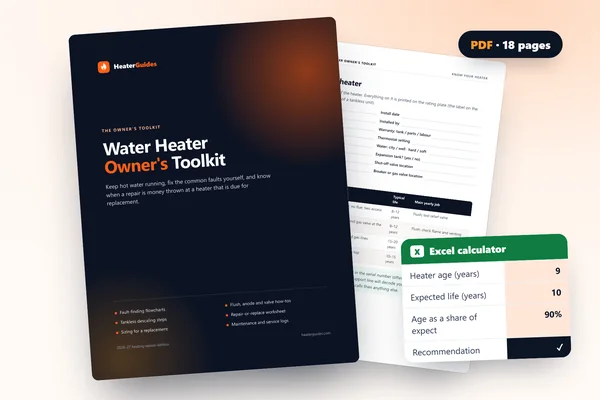 Water Heater Owner's ToolkitFix the common faults yourself, keep it running for years, and know when a repair is money wasted.No-hot-water flowcharts, gas and electricFlush, anode, relief valve and descaling stepsRepair-or-replace calculator (Excel)
Preventing Future Issues
Regular maintenance can avoid many flashing light scenarios:
- Flush tank annually to remove sediment
- Test pressure relief valve every 6 months
- Inspect anode rod every 3 years
- Check for leaks during seasonal HVAC maintenance
According to Benjamin Plumbing, most water heaters last 8-12 years. If yours is older and showing warning lights, replacement may be more cost-effective than repairs.
For complex electrical issues, consult a licensed electrician. As noted by HVAC experts on Quora, some flashing light codes require specialized diagnostic equipment to properly identify.
Related pick: Check price on Amazon