

To ensure accurate home temperature, regularly calibrate your thermostat, seal drafts, and use a reliable thermometer to monitor indoor climate conditions.
Maintaining precise temperature control in your home is essential for comfort, energy efficiency, and even health. Whether you’re using a smart thermostat or traditional HVAC system, accurate readings prevent energy waste and ensure optimal conditions.

DOQAUS
DOQAUS 3 Pack Digital Hygrometer Indoor Thermometer…
- [High Accuracy & Fast Refresh]: DOQAUS room thermometer indoor has high accuracy of ±3%~5% RH and ±1°F. Enjoy precise data from th…
- [Air Comfort Indicator]: The humidity meter features 3 different cute face icons to indicate DRY/COMFORT/WET air condition, keepin…
- [Clear LCD Display]: The hygrometer indoor humidity features a 2.3in clear LCD display with large bold numbers, allowing you to re…
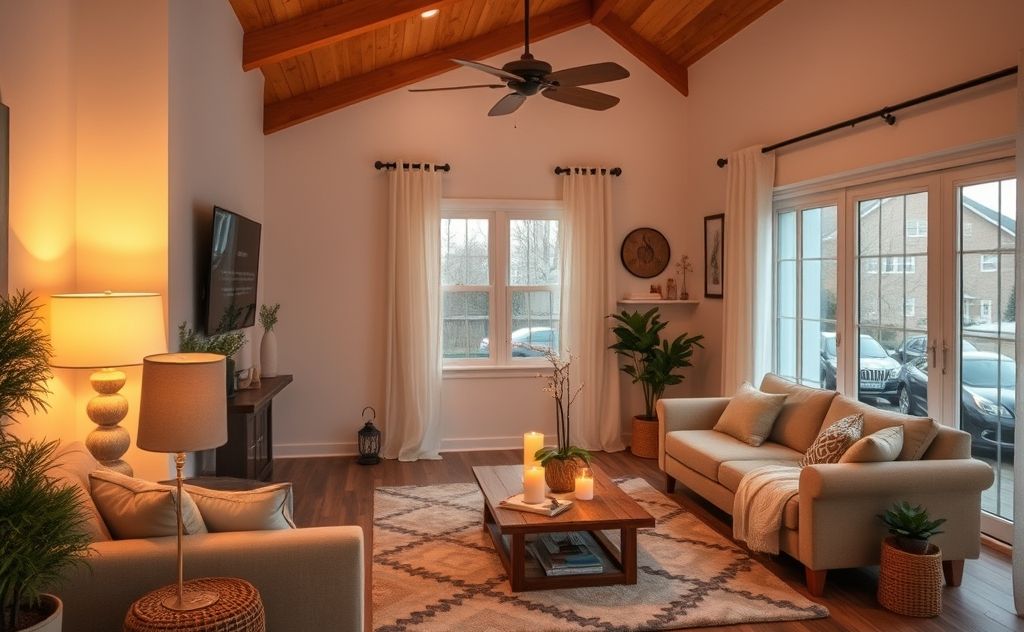
Choose the Right Thermostat Location
Thermostat placement dramatically impacts temperature accuracy. Avoid these common mistakes:
- Direct sunlight exposure
- Near heat sources like lamps or electronics
- Drafty areas near windows or doors
- Kitchens or bathrooms with temperature fluctuations
Ideal Placement Guidelines
Mount your thermostat:
- Approximately 5 feet above floor level
- On an interior wall in a frequently used room
- Away from air vents or radiators
For whole-home accuracy, consider a smart thermostat with remote sensors that averages readings from multiple rooms.
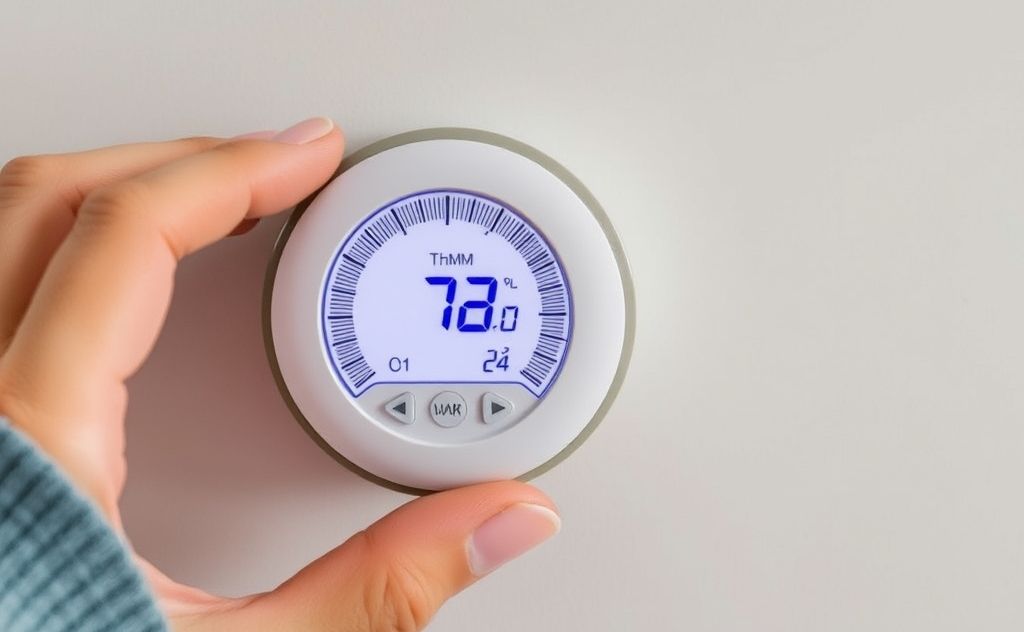
Calibrate Your Thermostat Regularly
Even digital thermostats can drift over time. Follow these calibration steps:
- Place a certified thermometer next to your thermostat
- Wait 15 minutes for temperatures to equalize
- Compare readings – differences over 1°F need adjustment
- Consult your thermostat manual for calibration procedures
Advanced Calibration Tools
For professional-level accuracy:
- Use NIST-traceable thermometers (National Institute of Standards and Technology)
- Consider infrared thermometers for surface temperature verification
- Smartphone apps with proper calibration can supplement readings
Optimize Your HVAC System
Even with perfect thermostat placement, system issues can cause temperature variations:
| Issue | Solution |
|---|---|
| Dirty filters | Replace every 1-3 months |
| Leaky ducts | Seal with mastic or metal tape |
| Undersized system | Consult HVAC professional |
| Uneven airflow | Balance dampers or add zoning |
For supplemental heating in problem areas, consider a decorative electric heater that matches your decor.
Monitor Multiple Points
Single-point thermostats can’t account for whole-home variations. Implement these strategies:
Smart Home Integration
- Use wireless sensors in key rooms
- Set up automation rules for temperature averaging
- Monitor trends with energy management software
Manual Monitoring Techniques
- Place thermometers in frequently used rooms
- Record readings at different times of day
- Note temperature differences between floors
According to U.S. Department of Energy, proper temperature monitoring can reduce HVAC energy use by 5-15% annually.
Account for Seasonal Changes
Environmental factors require different approaches throughout the year:
Winter Considerations
- Check for cold drafts near exterior walls
- Ensure proper insulation around thermostat
- Monitor for furnace short-cycling
Summer Considerations
- Verify AC refrigerant levels
- Clean condenser coils regularly
- Use window treatments to reduce solar heat gain
For pool owners, accurate temperature control extends to solar pool heaters as well.
Related pick: Check today's price on Amazon

I am a mechanical engineer and love doing research on different home and outdoor heating options. When I am not working, I love spending time with my family and friends. I also enjoy blogging about my findings and helping others to find the best heating options for their needs.
Related guides

Winter Home Temperature Guide: Stay Warm & Save Money
To regulate home temperature in winter, use a programmable thermostat, seal drafts, insulate windows, and maintain your heating…
15 Smart Ways to Optimize Home Temperature for Energy Savings
To optimize home temperature for energy efficiency, set your thermostat to 68°F in winter and 78°F in summer,…
Smart Ways to Control Home Temperature Remotely
To manage home temperature remotely, use smart thermostats that connect to Wi-Fi, allowing you to control settings via…